
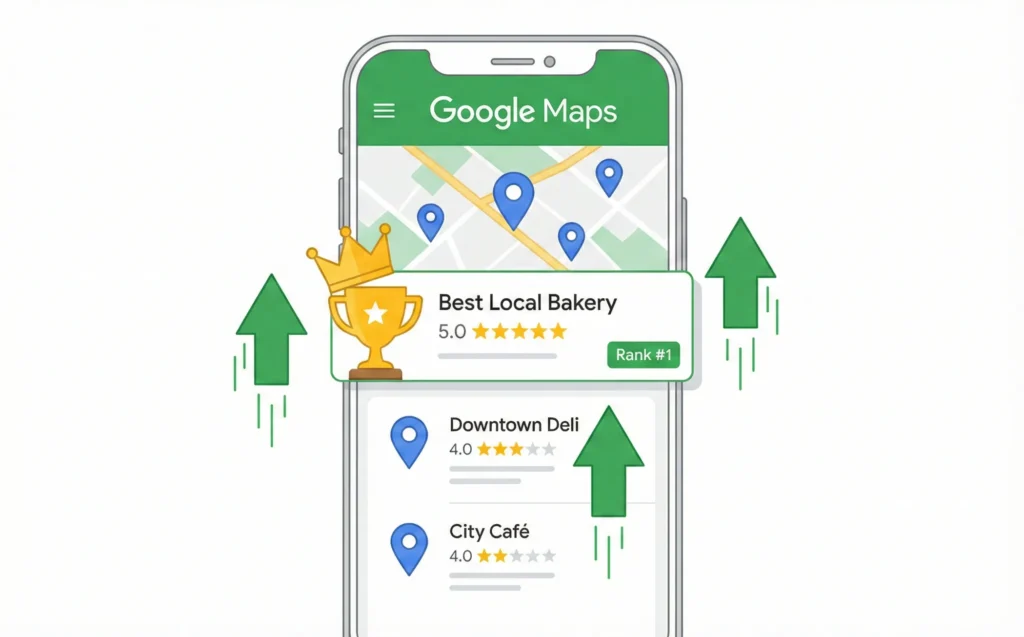
Your Customers Are Searching—But They Can’t Find You
Picture this scenario. Someone nearby needs exactly what you sell. They pull out their phone and type “plumber near me” or “best coffee shop downtown.”
Three businesses pop up on Google’s map. Yours isn’t one of them.
This happens every single day. Your competitors get the call. You get nothing.
Here’s the good news: local SEO for small businesses isn’t complicated. It’s a learnable skill. And this blueprint will show you exactly how to rank locally on Google.
You’ll learn a simple 5-step process. By the end, you’ll know how to show up when local customers search for you.
Why does this matter? Because 99% of people search online before making local purchases. If you’re invisible online, you’re invisible to customers.
Let’s fix that.
How Google Decides Which Local Businesses to Show
Before we dive into tactics, let’s understand how Google thinks. It’s simpler than you might expect.
The Three Things Google Cares About
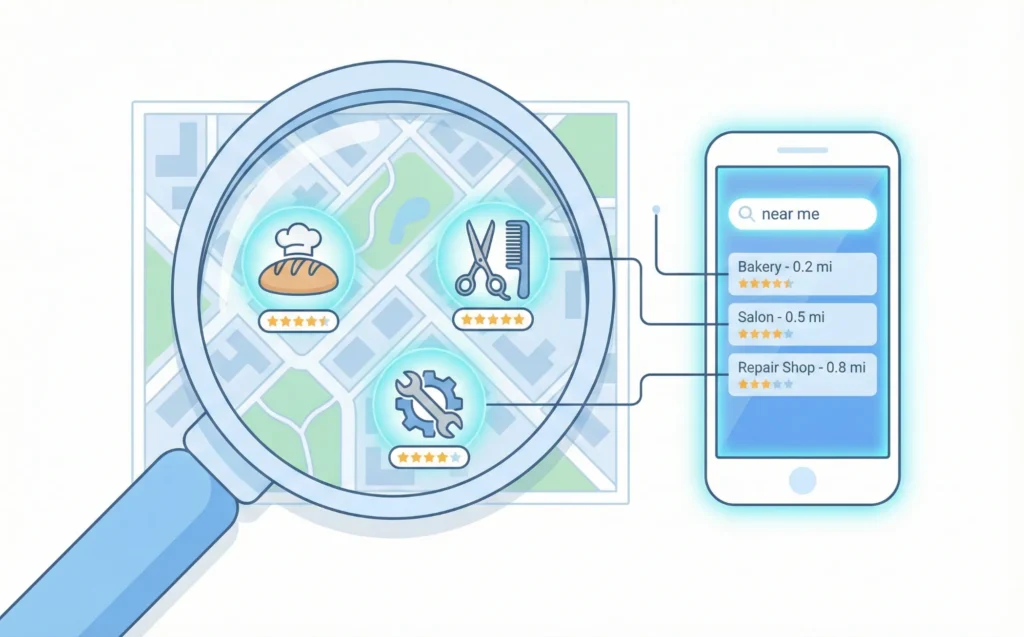
Google uses three main factors to rank local businesses:
- Proximity – How close is your business to the person searching?
- Relevance – Does your business match what they’re looking for?
- Prominence – How well-known and trusted is your business online?
You can’t control proximity. Someone searching from across town is far away. That’s just geography.
But you can control relevance and prominence. That’s what this guide teaches you.
Why Small Businesses Lose to Bigger Competitors
Big chains have more reviews. They have more websites linking to them. They’ve been around longer.
This makes them look more “prominent” to Google. But here’s the secret: prominence can be built.
A small business with 50 genuine reviews can outrank a chain with 20. A local shop with accurate information everywhere online beats a big brand with messy data.
Key Takeaway: You don’t need a big budget. You need consistency and the right steps.
The “Map Pack” Is Where You Want to Be
When you search for local services, you see a map with three businesses listed. This is called the “local pack” or “map pack.”
These three spots get most of the clicks. Getting into this map pack is your goal.
The steps below help you get there.
Step 1: Google Business Profile Optimization
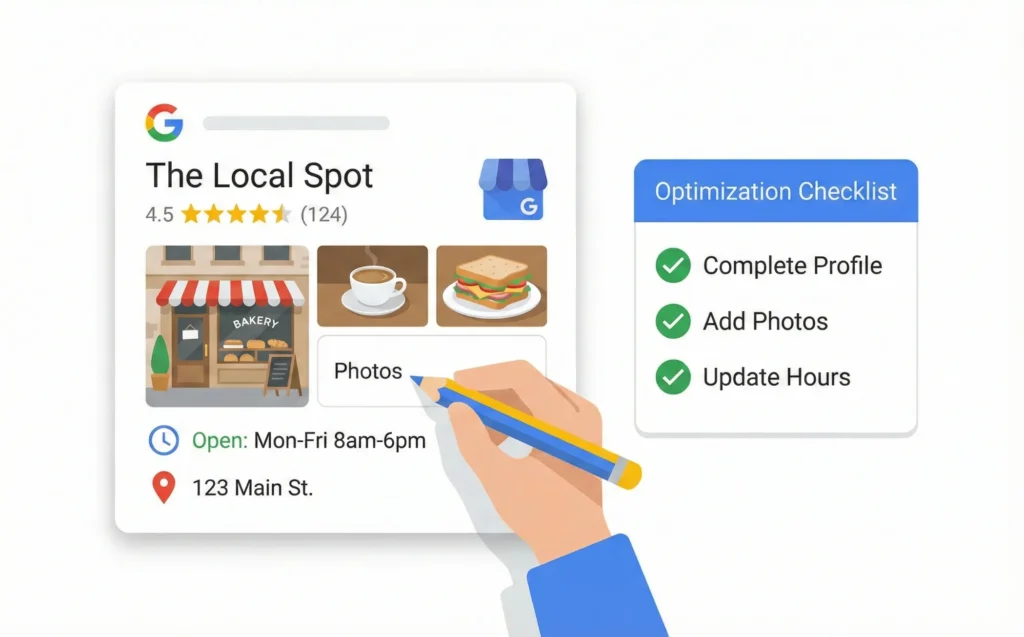
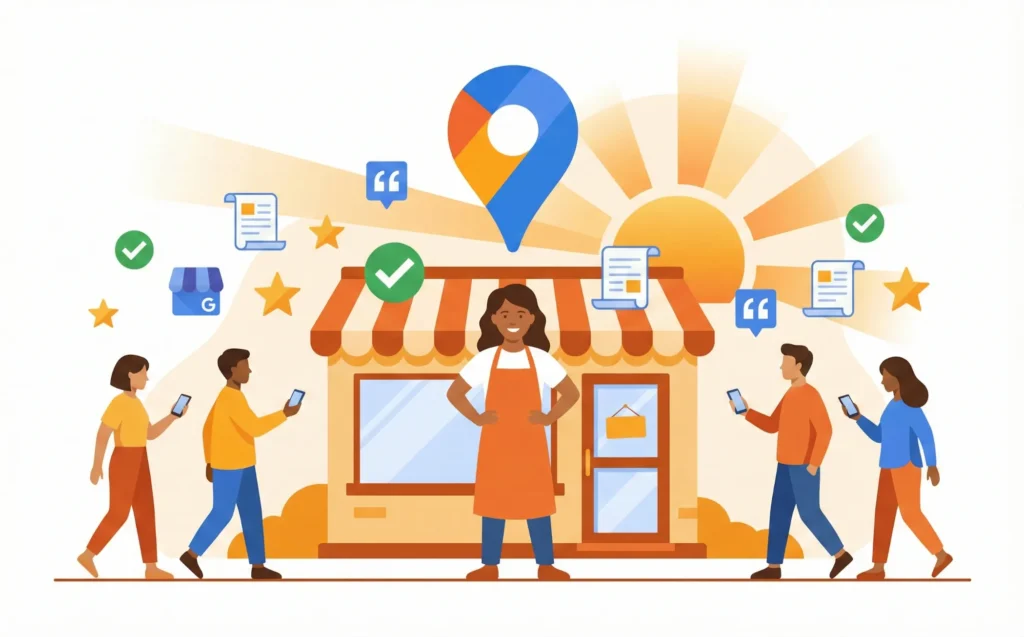
Your Google Business Profile is like your digital storefront. It’s free. And it’s the most powerful tool for small business local search ranking.
One verified Google Business Profile generates about 200 clicks per month on average. That’s 200 potential customers—for free.
How to Claim Your Profile
First, go to google.com/business. Search for your business name.
If it exists, click “Claim this business.” If not, click “Add your business.”
Google will verify you own the business. They might send a postcard, call you, or email you. Follow the instructions. This usually takes a few days.
The Complete Local SEO Checklist for Your Profile
Once verified, fill out everything. Here’s your checklist:
- ✅ Business name (exactly as it appears on your storefront)
- ✅ Address (accurate and complete)
- ✅ Phone number (local number, not toll-free)
- ✅ Business hours (including holiday hours)
- ✅ Website URL
- ✅ Business category (be specific—”Italian Restaurant” beats “Restaurant”)
- ✅ Business description (describe what you do in simple terms)
- ✅ Photos (at least 10 high-quality images)
- ✅ Products or services list
Key Takeaway: Complete profiles rank higher. Fill out every single field Google offers.
Features Most Businesses Ignore
Google Business Profile has extra features many owners skip:
- Google Posts – Share updates, offers, or news weekly
- Q&A Section – Add common questions and answers yourself
- Messaging – Let customers text you directly
- Booking buttons – Connect your scheduling software
These features show Google your profile is active. Active profiles get more visibility.
Step 2: Get More Google Reviews for Business Growth
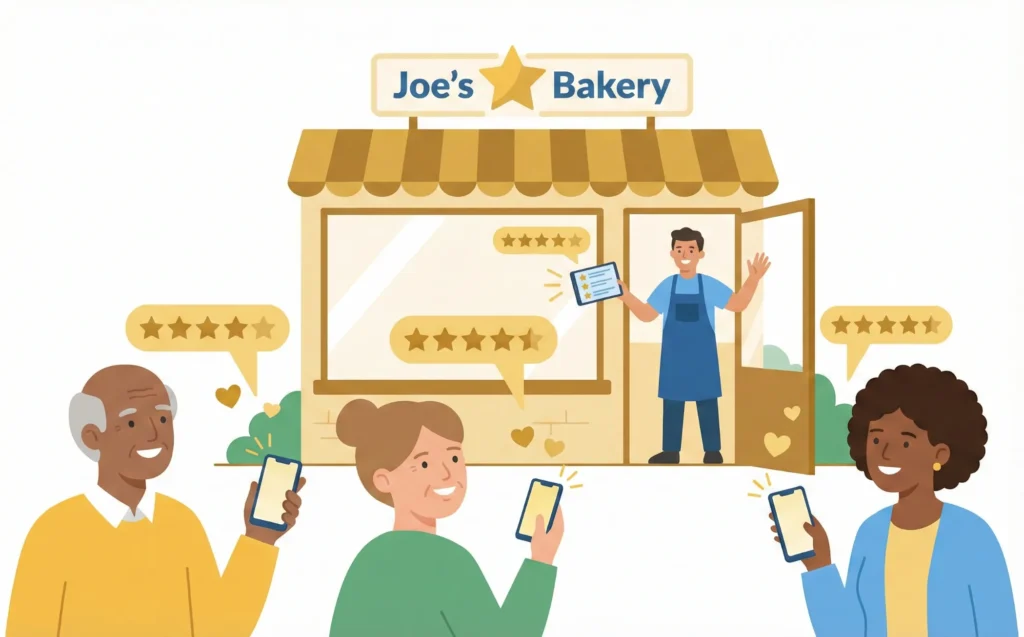
Reviews are like word-of-mouth recommendations. But they’re public and permanent.
More reviews = more trust = higher rankings.
How to Ask for Reviews (The Right Way)
Timing matters. Ask for reviews right after a positive experience.
Here are simple ways to ask:
- Send a follow-up email with a direct link to your review page
- Include a QR code on receipts or business cards
- Simply ask in person: “Would you mind leaving us a Google review?”
Make it easy. The harder it is, the fewer reviews you’ll get.
Pro tip: Create a short link to your review page. Google “Google review link generator” to make one.
Why Responding to Reviews Matters More Than You Think
Here’s a surprising fact. Businesses that respond to 32% or more of their reviews see 80% higher conversion rates.
Responding shows you care. It shows potential customers you’re engaged.
Reply to every review—good and bad. Keep responses friendly and professional.
Handling Negative Reviews
Bad reviews happen. Don’t panic. Don’t argue.
Instead:
- Respond within 24 hours
- Thank them for the feedback
- Apologize for their experience
- Offer to make it right offline
Example: “We’re sorry to hear this. Please call us at [number] so we can make this right.”
This shows future customers you handle problems professionally.
Key Takeaway: Reviews aren’t just nice to have. They directly impact your rankings and sales.
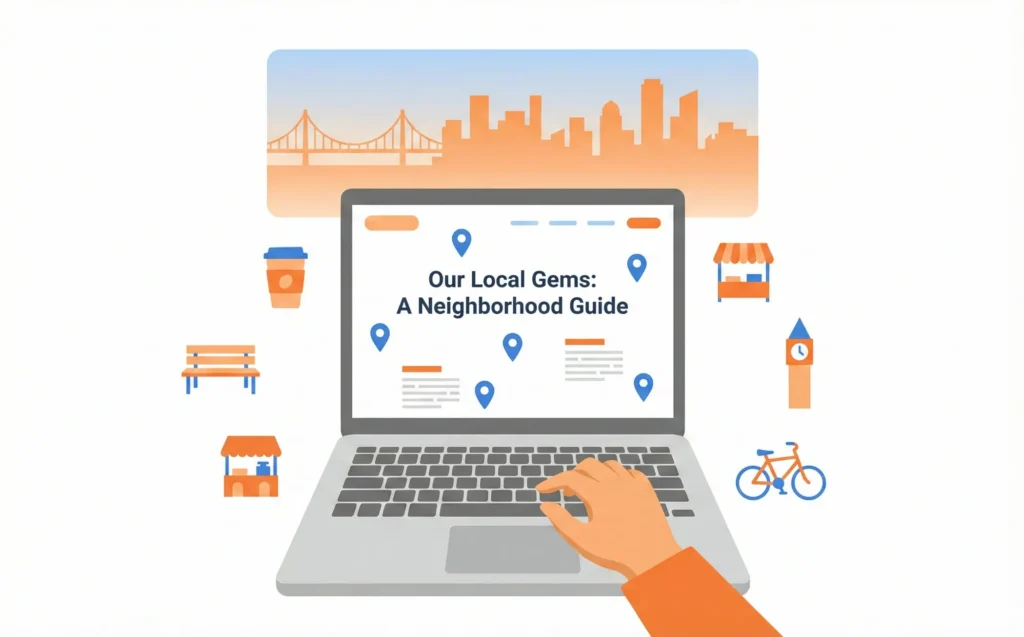
Step 3: Create Location-Specific Content
Your website needs to tell Google where you operate. This is called location-specific content SEO.
Building Location Pages That Work
If you serve one area, make sure your homepage mentions your city and neighborhood.
If you serve multiple areas, create a separate page for each location. Each page should include:
- The city/neighborhood name in the title
- Your address and phone number
- A Google Map embed
- Unique content about serving that area
Warning: Don’t just copy the same page and change the city name. Google sees this as low-quality content. Write unique descriptions for each location.
Local Blog Content Ideas
Blog posts can attract local customers too. Try topics like:
- “Best [Your Service] Tips for [Your City] Residents”
- “Our Guide to [Local Event or Neighborhood]”
- “How We Helped a [City Name] Customer Solve [Problem]”
This content helps Google understand where you operate. It also gives locals a reason to visit your site.
Step 4: Local Citation Building for Consistency
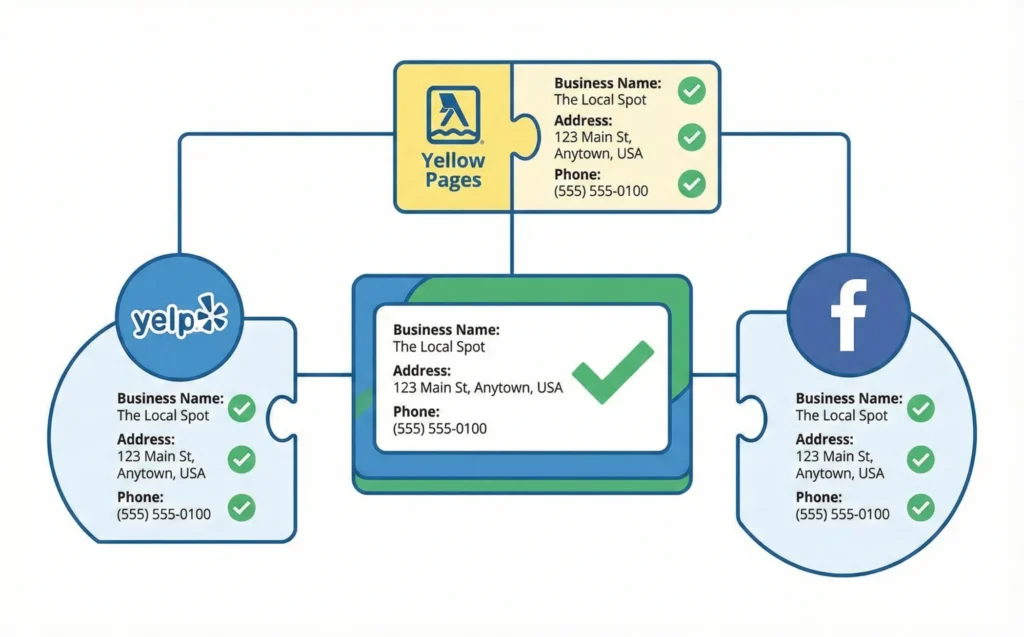
A “citation” is simply your business name, address, and phone number listed somewhere online. These are sometimes called NAP listings (Name, Address, Phone).
Why Citations Matter
Google checks if your information is consistent across the internet. If your address is different on Yelp than on Facebook, Google gets confused.
Confused Google = lower rankings.
Consistent information everywhere = trust = higher rankings.
Where to List Your Business
Start with these essential directories:
Tier 1 (Most Important):
- Google Business Profile
- Bing Places
- Apple Maps
- Facebook Business Page
Tier 2 (Industry-Specific):
- Yelp
- Yellow Pages
- Your industry’s main directory (TripAdvisor for restaurants, Healthgrades for doctors, etc.)
Local:
- Chamber of Commerce
- Local newspaper websites
- Community directories
How to Find and Fix Inconsistencies
Search your business name on Google. Check the first few pages of results.
Look for old addresses, wrong phone numbers, or misspelled names. Contact each site to correct errors.
Free tools like Moz Local Check can help find inconsistencies automatically.
Key Takeaway: Local citation building is about accuracy. Same name, same address, same phone—everywhere.
Step 5: Track Your Rankings and Measure Progress
You can’t improve what you don’t measure. Tracking helps you see what’s working.Free Tools to Monitor Performance
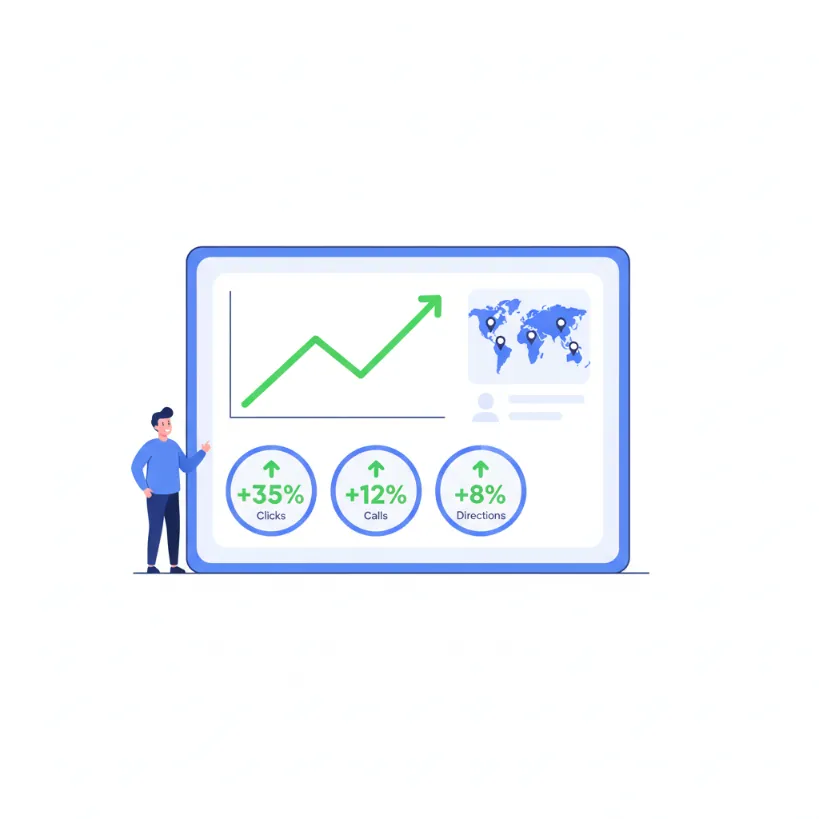
Google Business Profile Insights shows you:- How many people viewed your profile
- How many clicked for directions
- How many called you
- What search terms people used to find you
- Which keywords bring visitors to your website
- How often you appear in search results
- Your average ranking position
What “Good” Looks Like
After 90 days of consistent effort, you should see:
- More profile views
- More direction requests
- More phone calls
- Appearance for more search terms
If numbers aren’t improving, revisit your reviews and citations first. These are usually the quickest wins.
Your Local SEO Action Plan Starts Today
Let’s recap. Local SEO for small businesses comes down to five steps:
- Optimize your Google Business Profile – Complete every field
- Collect reviews – Ask happy customers, respond to everyone
- Create location-specific content – Help Google know where you serve
- Build consistent citations – Same information everywhere
- Track your progress – Use free tools to measure results
This isn’t optional marketing. It’s essential infrastructure for any small business. You need to be visible at the exact moment customers search for you.
Your Next Steps
Today: Claim or update your Google Business Profile.
This Week: Ask three happy customers for reviews.
This Month: Audit your citations on the top 10 directories.
Small steps lead to big results. Start with step one. The rest will follow.
Ready to take action? Download our free Local SEO Checklist to track your progress, or contact us for a free local visibility audit. Your future customers are searching right now—let’s make sure they find you.
Frequently Asked Questions About Local SEO
Got questions? We've got answers. Here are the most common questions small business owners ask about local SEO.
Local SEO helps your business show up when nearby customers search online. It focuses on Google Maps and local search results.
For small businesses, it's essential because 99% of people search online before visiting a local store. Without local SEO, customers can't find you when they're ready to buy.
Most small businesses see initial results in 3-6 months. Some changes, like Google Business Profile updates, can show results within weeks.
Building reviews and citations takes longer. Consistency is key—keep optimizing and results will compound over time.
The basics of local SEO are completely free. Google Business Profile costs nothing to claim and optimize.
Building citations on free directories is also free. You only pay if you choose premium tools or hire an agency. Small businesses can do most local SEO themselves.
Simply ask happy customers directly after a positive experience. Send follow-up emails or texts with your review link.
Make it easy—provide a direct link to your Google review page. Respond to all reviews to encourage more. Businesses responding to 32%+ of reviews see 80% higher conversion rates.
Regular SEO helps you rank nationally or globally for general searches. Local SEO focuses on ranking in your specific geographic area.
Local SEO uses Google Business Profile, local citations, and location-based keywords. If you serve customers in a specific area, local SEO is what you need.
A website helps but isn't strictly required to start. Your Google Business Profile can rank without a website.
However, a simple website strengthens your local SEO significantly. It gives Google more information about your business and builds trust with customers.
Optimize your Google Business Profile completely—fill every field. Collect more positive reviews than competitors.
Ensure your NAP (Name, Address, Phone) is consistent everywhere online. Add photos regularly and respond to all reviews. Post updates weekly to show Google you're active.
Citations are online mentions of your business name, address, and phone number. They appear on directories like Yelp, Yellow Pages, and industry sites.
Citations help Google verify your business is real and trustworthy. More consistent citations = higher local rankings.
Small business owners can absolutely do local SEO themselves. The basics—claiming your profile, getting reviews, building citations—require no technical skills.
This guide gives you the complete blueprint to follow. You only need an expert for advanced strategies or if you lack time.
Track these metrics monthly: Google Business Profile views and clicks, phone calls from Google, direction requests, website visits from local searches, and your ranking for target keywords.
One verified Google Business Profile generates about 200 clicks per month on average.